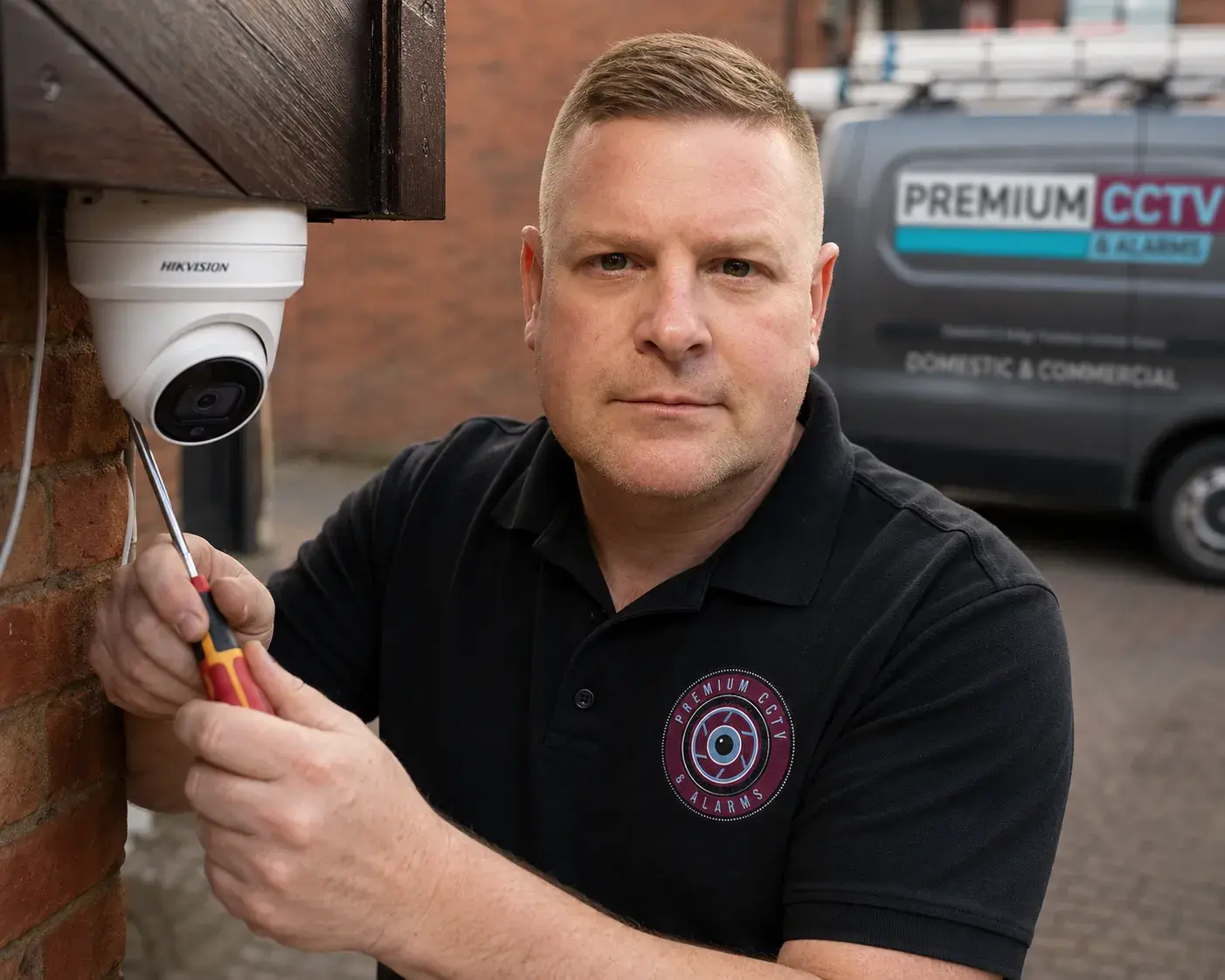

A CCTV system that isn't maintained will fail when it matters
Most residential CCTV systems get installed and then forgotten — until the day they're needed. And that's usually when people discover that dome cameras are covered in spider webs, the NVR hard drive is full and has been overwriting footage for months, or one camera has been offline since a power cut six months ago.
These six tasks take less than an hour once a year and ensure your system is ready when you actually need it.
Task 1: Clean the camera lenses
Dome cameras in particular accumulate dust, insects, and in the South Wales weather, moisture and mildew on the dome housing. Use a microfibre cloth and lens cleaner (not household glass cleaner — it can damage optical coatings).
For bullet cameras, wipe the lens and check that the sun shield hasn't shifted or been moved by weather.
Check your footage after cleaning — you'll often be surprised how much clarity you've been losing.
Task 2: Check camera angles haven't shifted
Cameras on external walls can be moved by high winds, knocked by ladders during maintenance work, or gradually shift on their mounts over time. Review each camera's live view and compare it to the original installation position.
Has the driveway camera drifted to point at the roof? Does the rear garden camera still cover the back gate? If anything has moved, tighten the mount and readjust — or call us and we'll check it during a service visit.
Task 3: Verify NVR recording status
Log into your NVR interface (via the app or web browser) and check:
- All cameras show as "recording" in the status view
- The hard drive health is "healthy" or "normal"
- The storage has sufficient space / overwrite is set to continuous
If the hard drive shows any warning status, it should be replaced proactively — hard drive failure is the most common reason CCTV systems don't have footage when it's needed.
Task 4: Test playback from the last 30 days
This sounds obvious but most people never do it until they need footage. Log into your NVR, go to the playback menu, and verify you can access footage from 28–30 days ago.
If your retention is set to only 7 or 14 days (a common default), and you typically only check footage after a 2–3 week delay, you may be missing events entirely. We recommend 30-day retention for all residential systems.
Task 5: Check your remote access is working
Log into the app (whether that's our own remote viewing app, Hik-Connect, or another platform). Confirm you can see live footage from all cameras remotely, not just on the local network.
Remote access failures are usually caused by a change in your broadband router settings (router replacement, IP address change) or an expired DDNS service. These are straightforward to fix when caught early — and frustrating to discover when you're away from home and trying to check on your property.
Task 6: Check your warning signs are still visible
CCTV warning signs fade in UV light and can be obscured by plant growth over time. Walk the perimeter of your property and check that your signs are clearly legible and visible from the approach.
This isn't just good practice — it's part of your legal compliance obligation and can affect how incidents are treated by police and insurers.
---
We offer an annual CCTV health check service across South Wales for £75 including travel. We'll perform all of the above, check camera alignment, clean all domes, test the NVR and hard drive health, and give you a written report.
Call 07464 366095 to book yours.
Need advice for your property?
Get a free security survey from Ben
Nearly 1,000 installations across South Wales. AJAX & Uniview certified. Prices from £589.